Turn Your Phone into
Wireless Mouse and Remote Controller
Low latency, lightweight, secure, with remote power-on support
 Download Server
 Download App

Six Core Features
Turn your phone into a powerful remote control center

Low-Latency Touchpad
Smooth as a real touchpad

Phone Keyboard Input
Easier login and search

Full Media Control
Play, pause, fast-forward, switch, volume

Wireless Remote Power
Wake-on-LAN and remote shutdown/restart

Cross-Platform
iOS, Android, Windows, macOS, Linux

LAN Direct Connection
No cloud upload, secure and private
Use Cases
From entertainment to professional work, MouseHero is your best companion


Couch Control
Control playback comfortably from your couch, no need to get up for the remote
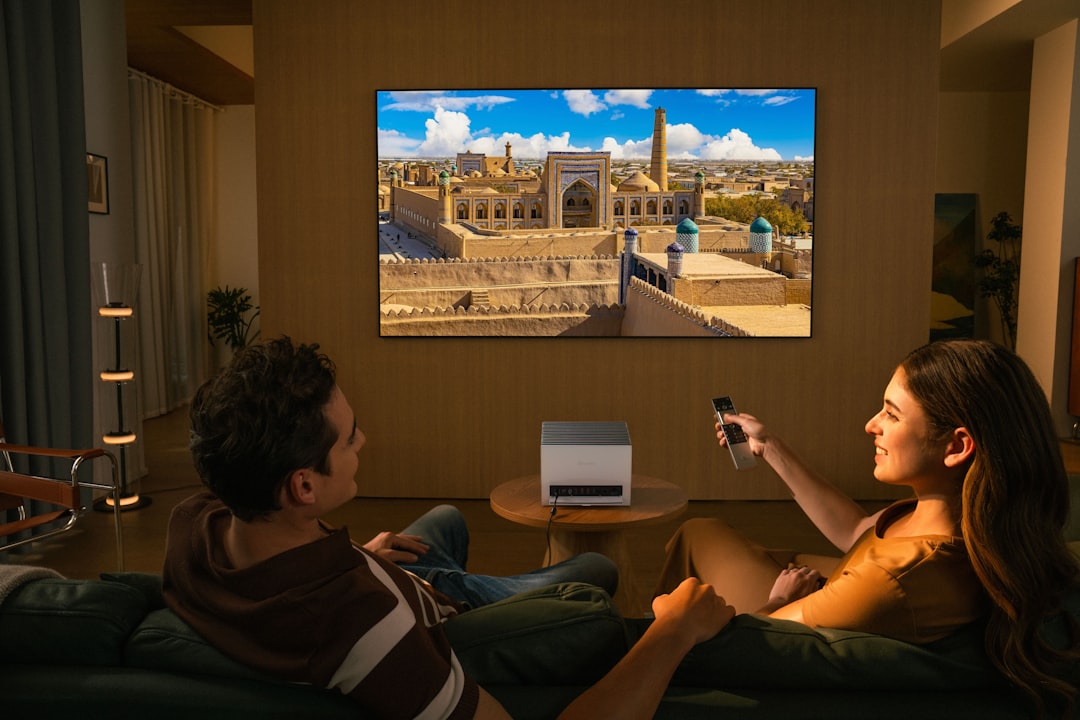

Home Theater Mode
Turn your phone into a smart remote, adjust volume and switch subtitles with ease


Presentation Control
Move freely during presentations, control screen switching with your phone


LAN Remote Power-On
Wake up your computer from another room, no need to walk to it
App Interface
Clean and intuitive interface, all features at your fingertips
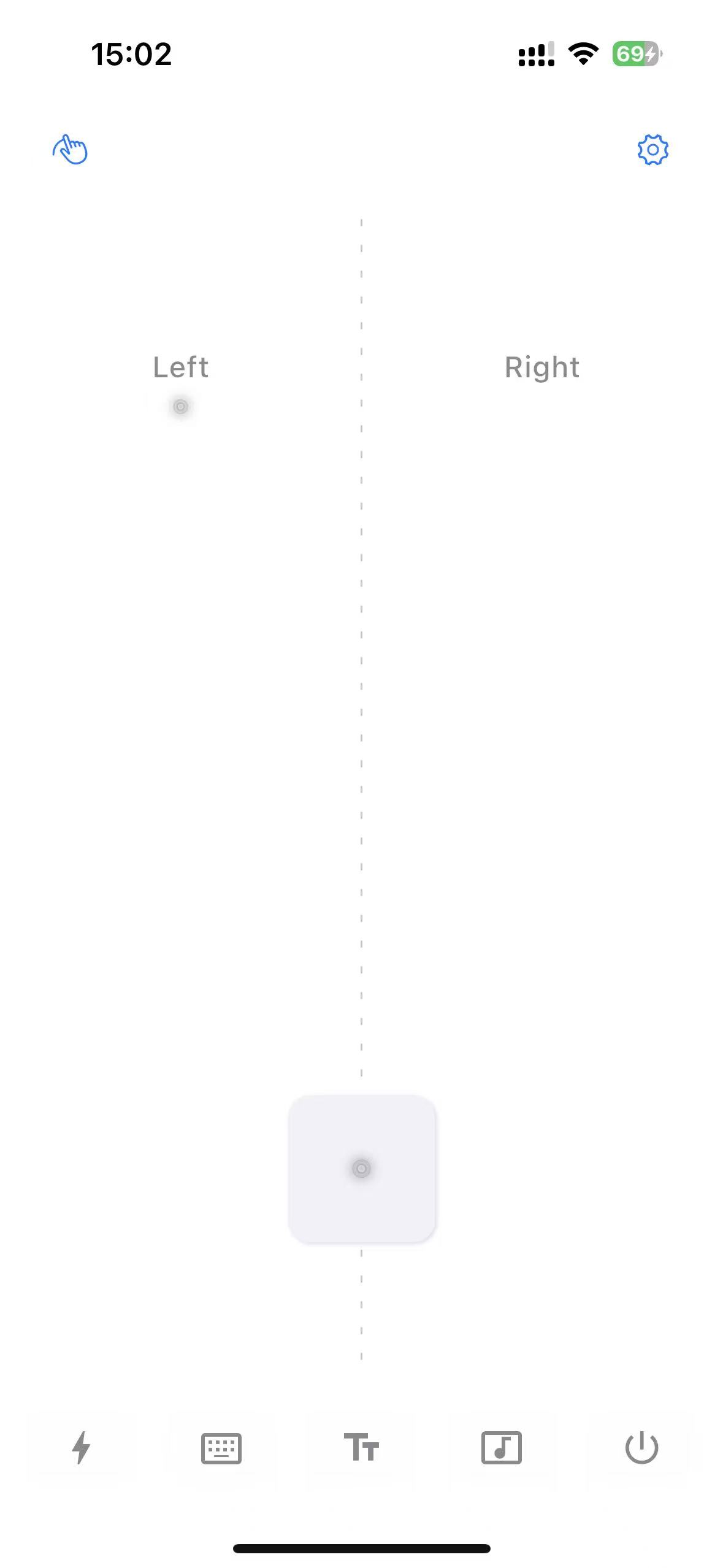
Touchpad Mode
Precise and smooth touch control
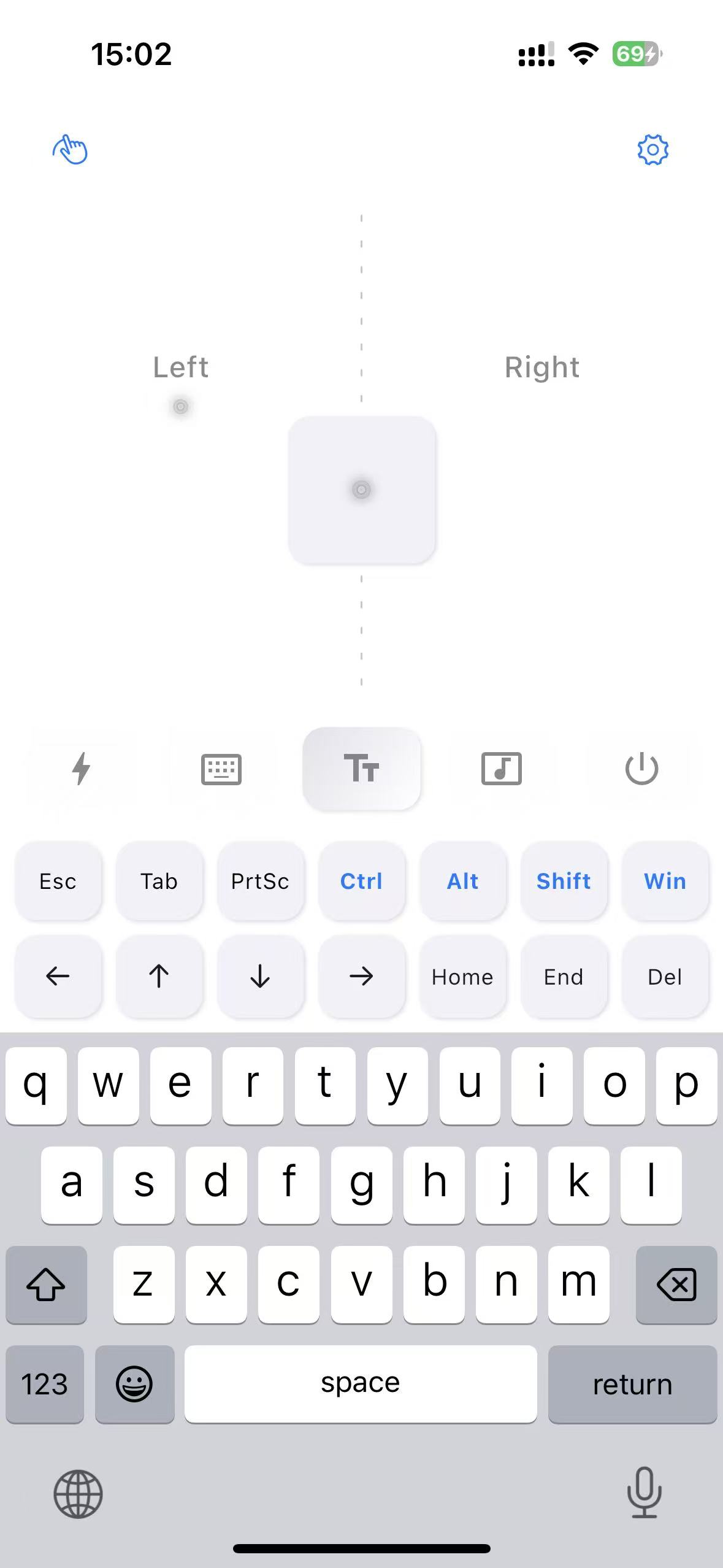
Keyboard Tool
Fast text input
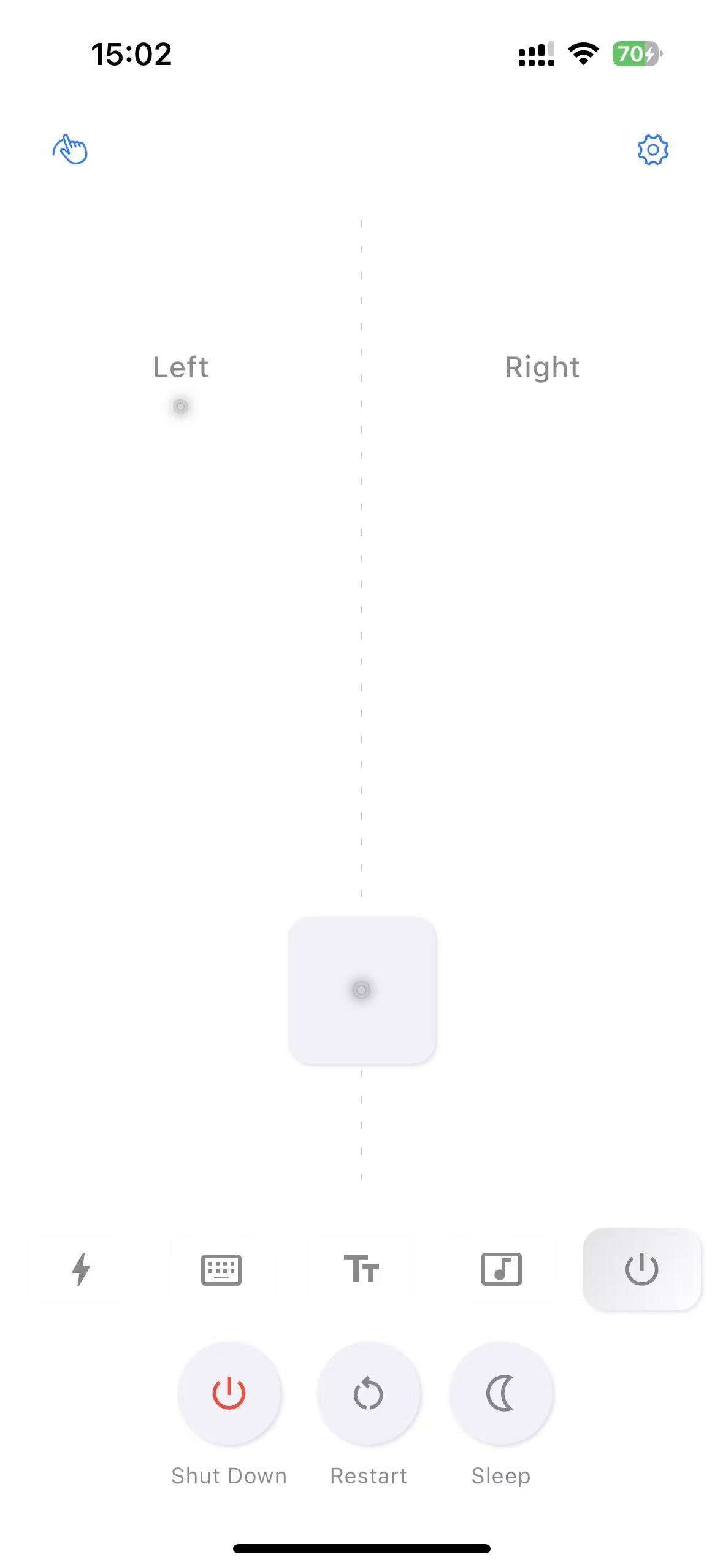
Power Control
Remote shutdown and restart
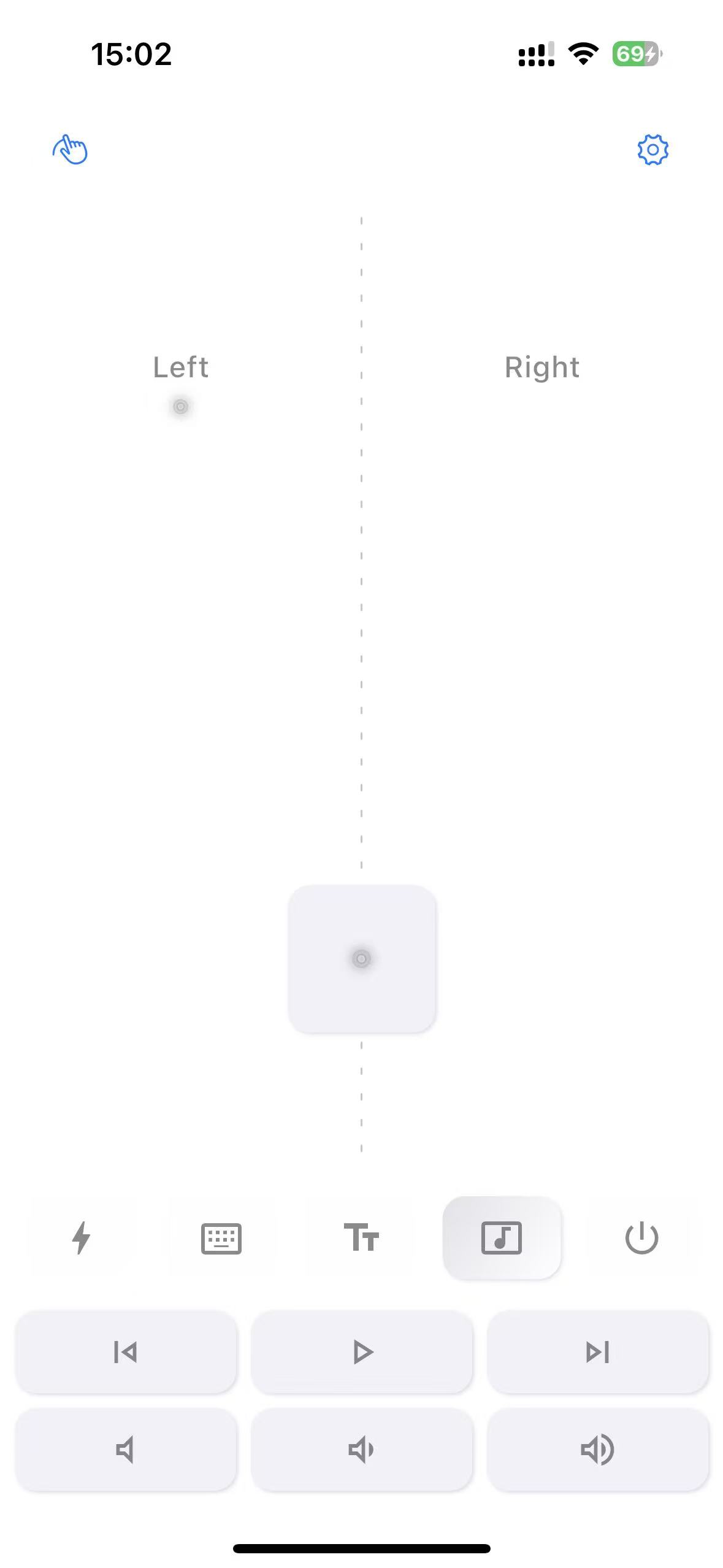
Media Control
Play, pause, volume control

Shortcut Tool
Common shortcuts at one click
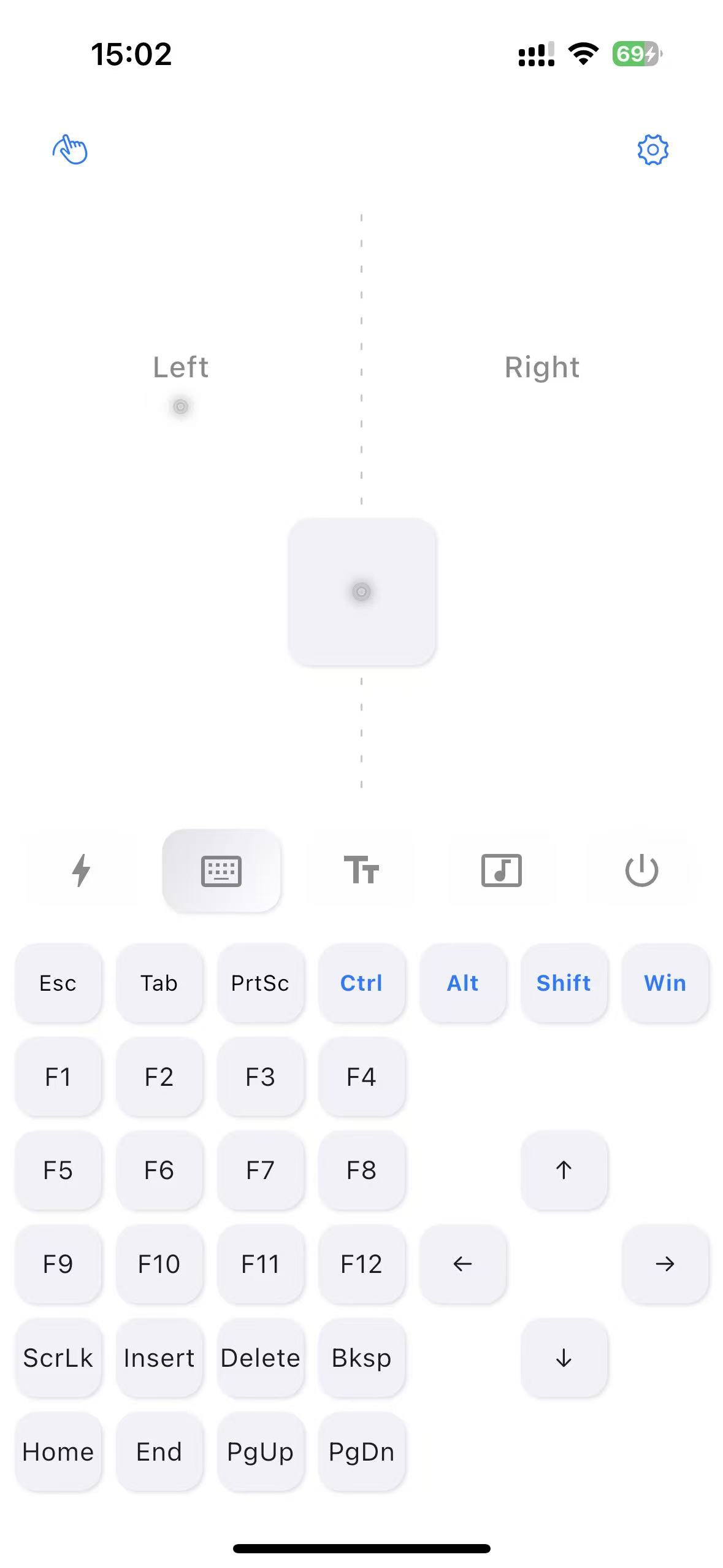
Keyboard Extension
Extended key functions
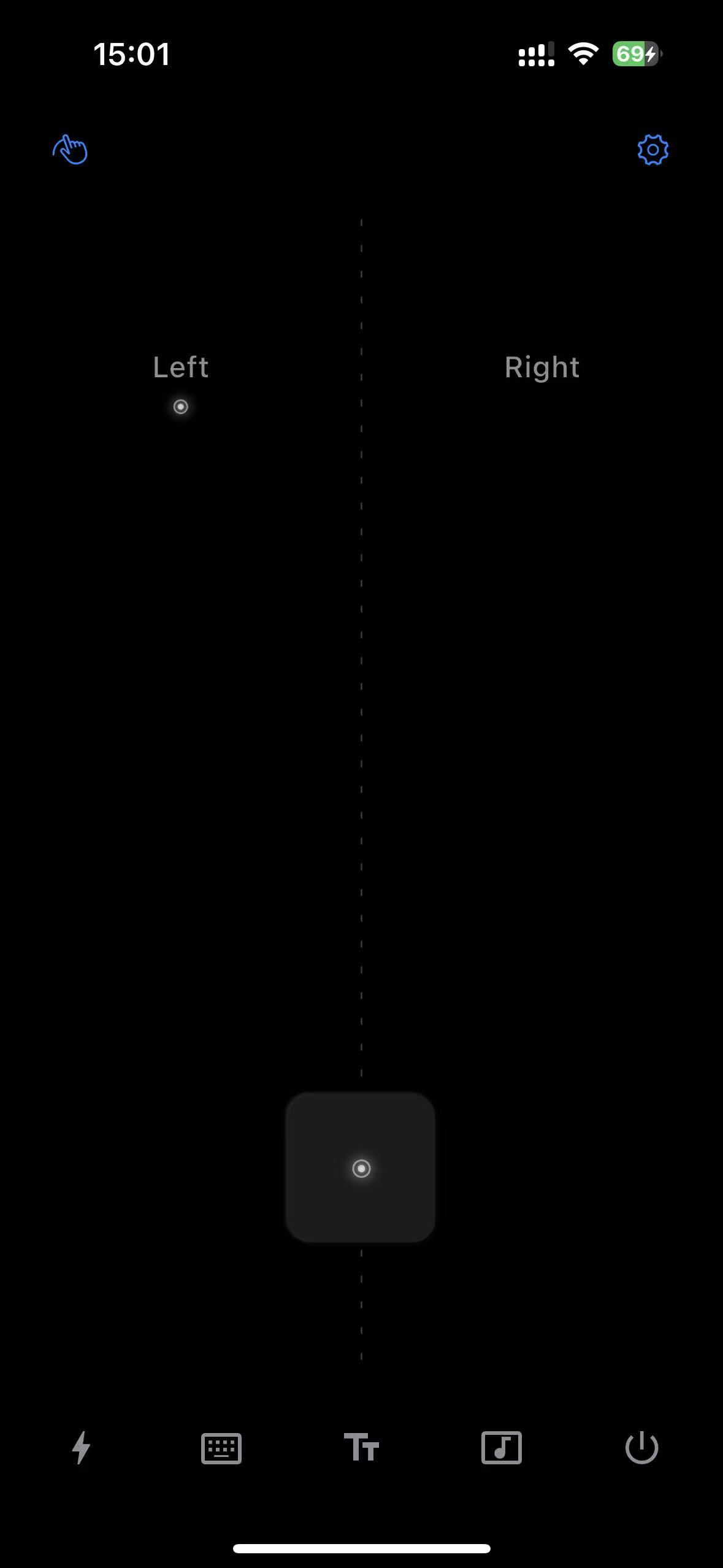
Dark Mode
Eye-friendly dark theme

Keyboard Dark Mode
Keyboard dark theme
How to Use
Start using MouseHero in three steps

Download & Install
Download and install the server on your computer and the app on your phone

Connect to Same Wi-Fi
Ensure your phone and computer are on the same LAN, server will auto-wait for connection after startup

One-Click Connect
Open MouseHero App, auto-discover available devices, auto-connect and start using
Remote Power-On Setup
To use remote power-on (Wake-on-LAN), enable WOL in your computer's BIOS settings. Refer to your motherboard manual for specific instructions.
Download Mobile App
Available on iOS and Android

Android
For Android 8.0 and above
Closed Beta Testing
FreeJoin Google Groups to get test access, completely free during beta
Join Test Group
Click below to join Google Groups and get automatic test access

User Reviews
Hear what our users say

Controlling my computer from bed is amazing! No need to get up anymore. Very low latency, no lag at all.
KeyboardWarriorNoMore
Developer
Must-have for binge-watching! Switch episodes and adjust volume from the couch. Phone becomes a remote, way better than buying one.
CouchPotatoPro
TV Series Fan
Lightweight and easy to use, LAN direct connection is secure. Great cross-platform support, works on Mac, Windows, and Linux.
LazyGenius
Office Worker
Perfect for projector movie nights. No fumbling for the remote in the dark. Pause and fast-forward with my phone, great experience.
CinemaAddict
Movie Enthusiast
FAQ
Find answers to common questions